
What is Jumpshare AI?
Jumpshare AI removes the manual busywork from sharing video and audio files. Available on our Business and Enterprise tiers, it uses your recording's transcript to enrich your media content and streamline project workflows.
Smart Media Enrichment
Jumpshare AI automatically analyzes your recordings to generate transcripts, captions in over 50 languages, and context-driven assets based on your spoken word count:
- AI Titles (10–60 words): Replaces generic filenames with a smart, context-driven title based on your opening words.
- AI Summaries (60–120 words): Generates a concise, scannable text overview directly below the media player.
- AI Chapters (120+ words): Divides longer videos into interactive, timestamped navigation points along the timeline.
To learn more about how these automatic features work, please see this guide.

One-Click AI Actions (Integrations)
or any recording with 60+ spoken words, open the web viewer sidebar to instantly convert your transcript into structured text or workflow actions:
- Project Tasks: Auto-populate tickets in Jira, Asana, Trello, Linear, or Monday.com, complete with a description and your video link attached.
- Product Documentation: Instantly format your words into structured SOPs, step-by-step guides, QA reproduction paths, or developer code notes.
- Outreach Drafts: Effortlessly craft tailored emails or clear Slack and Microsoft Teams updates summarizing the recording.
To learn more about setting up and using these actions, please see this guide.
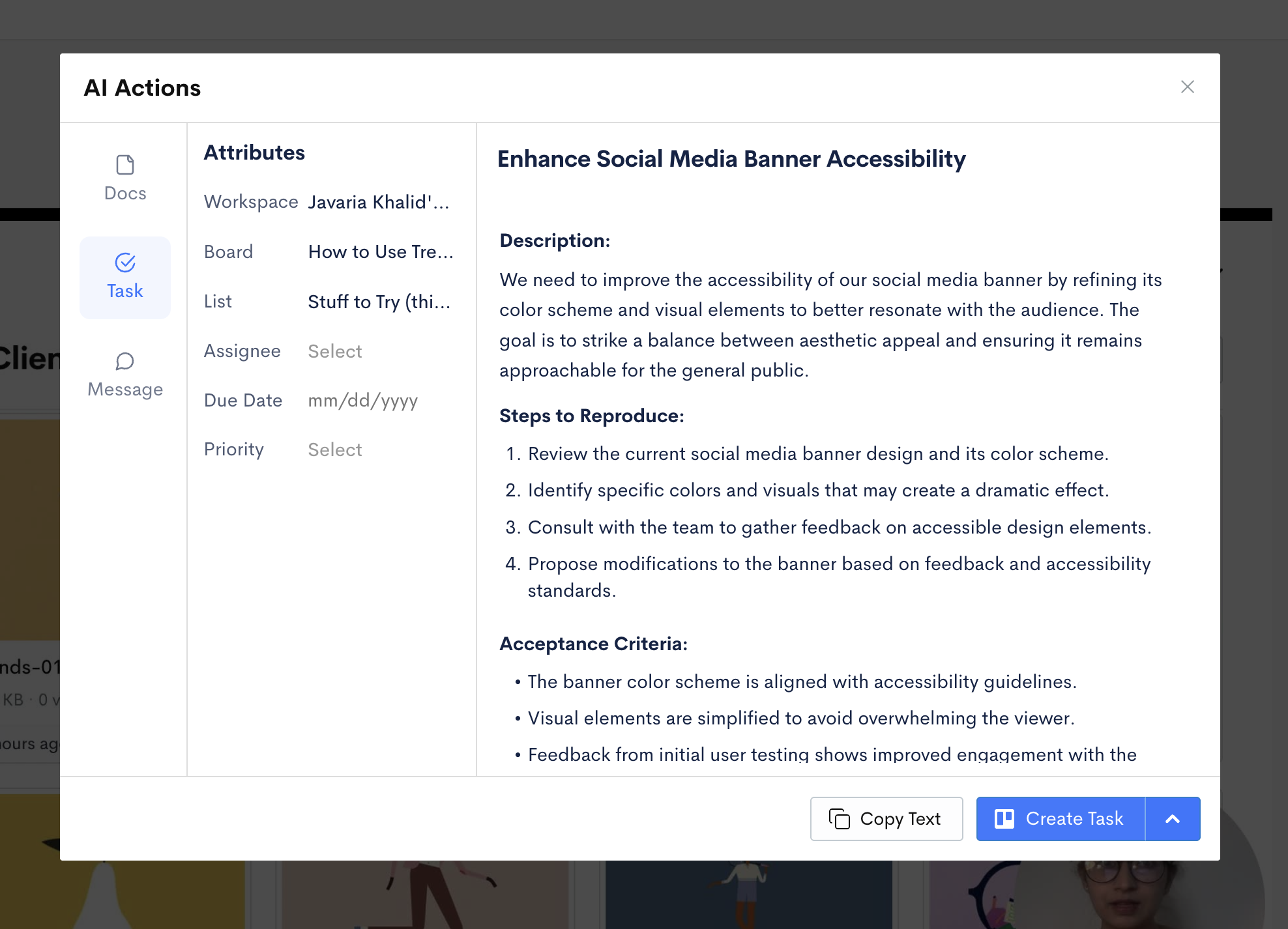
.
Need help connecting your task management tools? Contact support@jumpshare.com.